
How reports open today
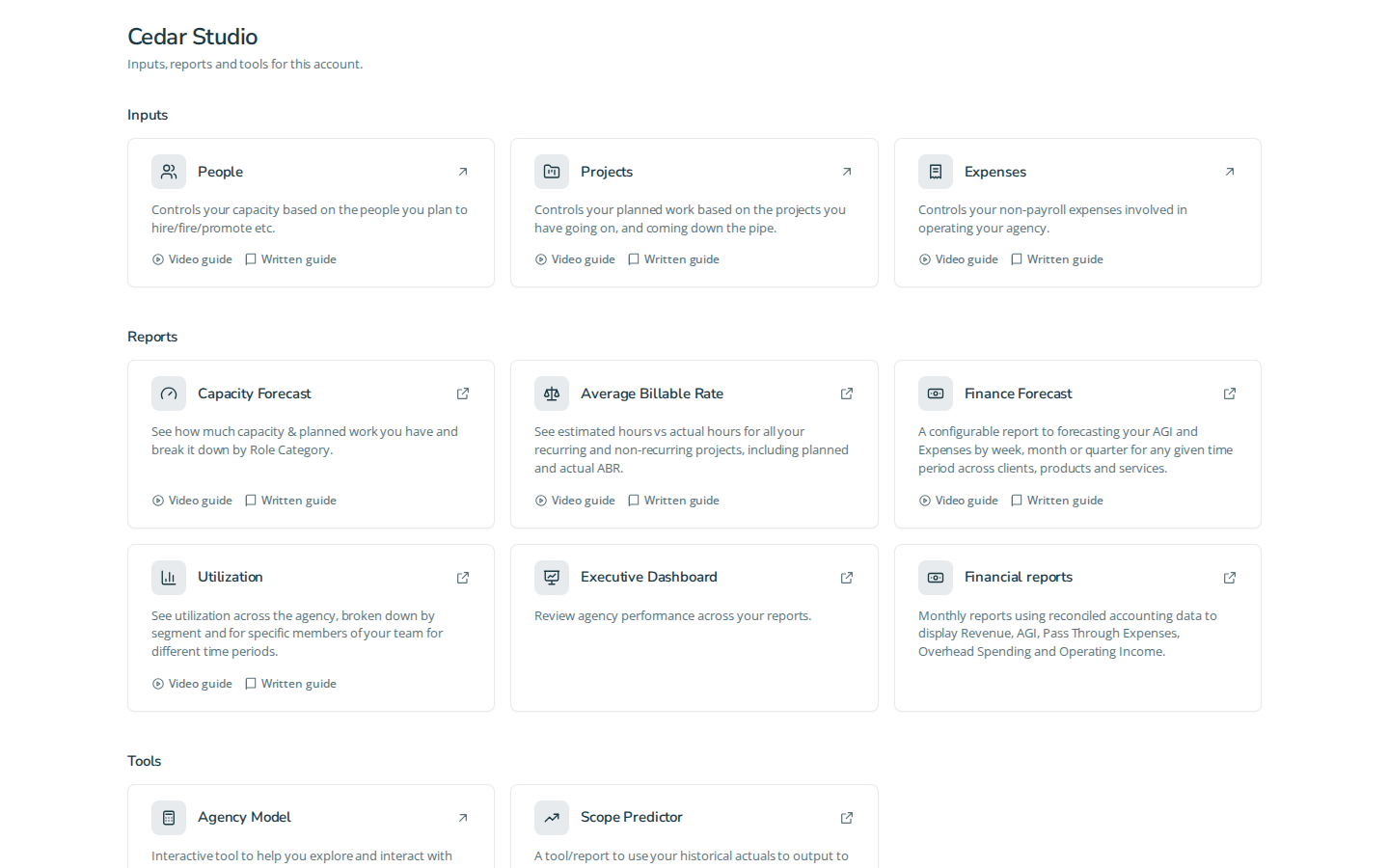
Your account's stored cards choose the destination. For an account still using Sheets, every report card, including Financial reports, continues opening its configured Google Sheet. A report's type does not silently redirect it into the app.
Three primary tasks
- Open the stored Sheet. Select the account, then choose the report from Home or the sidebar. Check the destination tab and workbook title before using its numbers.
- Resolve access or loading. Google permissions apply to a Sheet. Use the Google account that has workbook access, or request access from your account administrator. In-app authorization guidance can ask you to Authorize or Try Again; use the action displayed. An app membership does not grant Google sharing permissions.
- Recognize a cut-over account. After an administrator's deliberate cutover, the account's cards may open in-app reports. Other accounts can still open Sheets. The destination is the URL saved on that account, rather than a global change for the report type.
Navigation controls
Home cards and sidebar links resolve the same stored account destinations. The account selector changes the account; expand a sidebar group to see its available links. External links open a new tab. Available entries depend on stored cards and permissions. A loading or inaccessible workbook does not trigger automatic migration.
Account migration and settings are administrator-only tools. Members keep their existing workflow until the administrator has agreed the account's cutover. New report implementations remain optional and unlisted before that decision.
Fixture screenshot
Questions and answers
How do I use how reports open today?
Your account's stored cards choose the destination. For an account still using Sheets, every report card, including Financial reports, continues opening its configured Google Sheet. A report's type does not silently redirect it into the app.